- Priority: 0
- Status: Waiting on customer
- Theme: Alysum
-
Assigned To:
Fred
- Private: No
- Open Date: 05.06.26, 07:59
- Opened by: Alberto trevisiol
Ticket #26518 - Problem with product images
I uploaded four new products, but there are some issues with the images.
The image format is 800×800, like the previous ones, and they look great on the site.
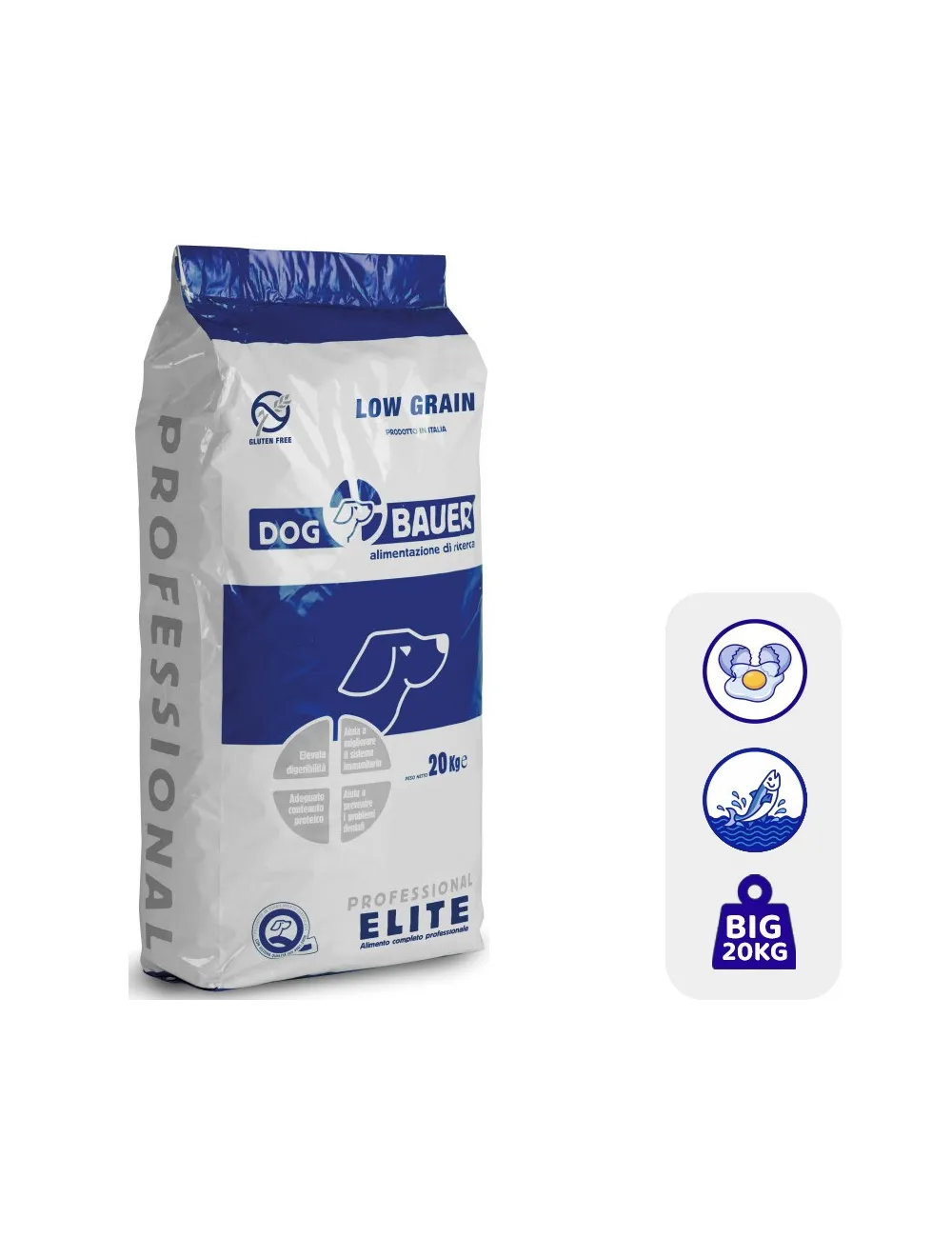
From the URL, however, they appear with a border around them, which turns black once connected to the google merchant center.
Previous images: https://media2.dogbauer.it/1953-large_default/aringa-low-grain.webp
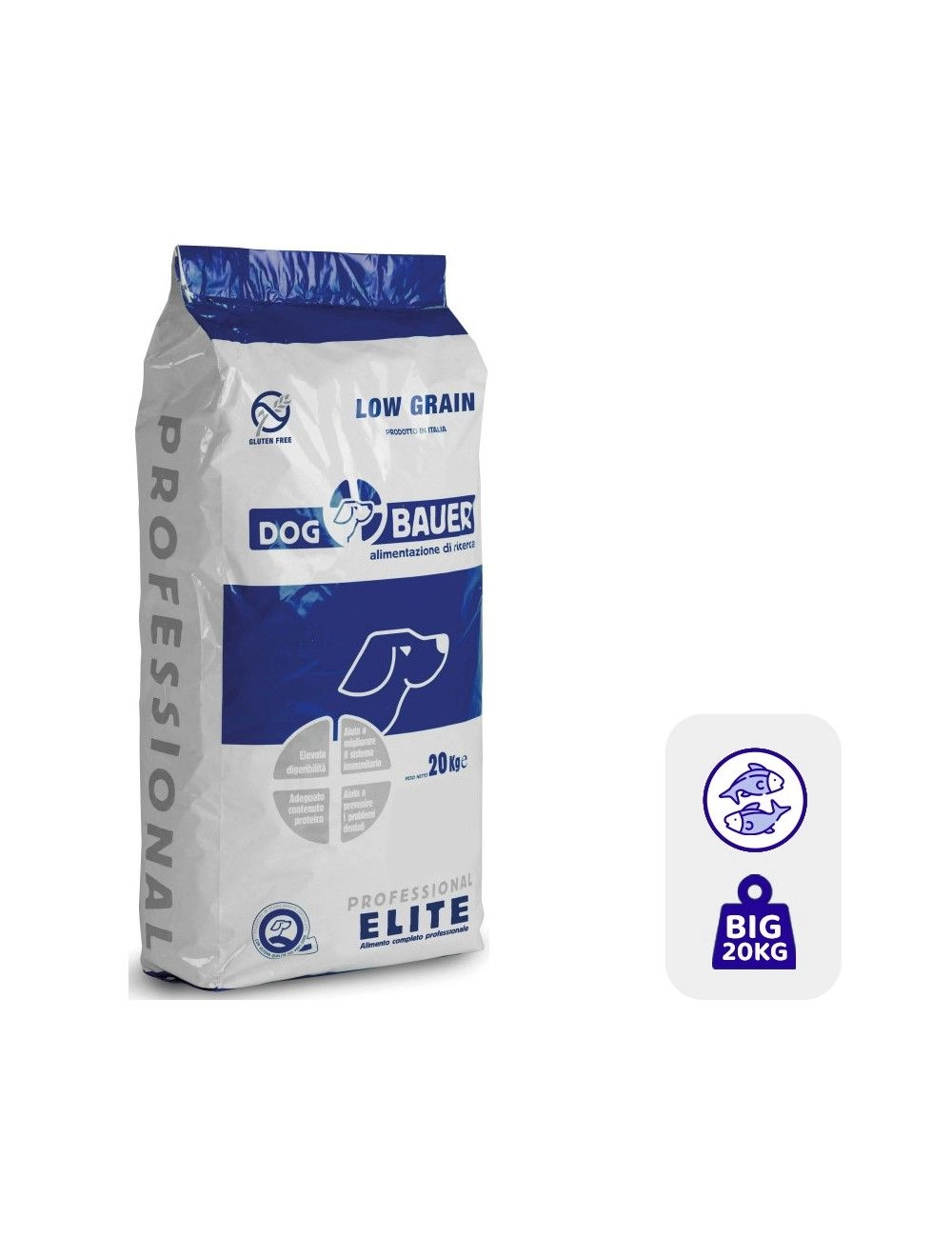
New product images: https://media1.dogbauer.it/2175-large_default/pesce-e-uovo-low-grain.webp
Google Merchant center result: https://prnt.sc/16Vycnj6estD
Thanking you in advance for your kind support, best regards
Comments
news?
Hi, Alberto.
Sorry for the delay.
We have comprehensive documentation regarding images here: https://docs.promokit.eu/images
I don't understand,
why have I to change the setting of the images? I don' want to do that.
For product image I've always uploaded square images 800x800 what's changed now?
In the image setting what should I do?
Waiting for your response, best regards.
Ezio
You wrote that you have a problem with a border around your images. To remove it just follow our advices here https://docs.promokit.eu/images#tips-to-get-nice-looking-images
I probably can't explain myself very well.
Waiting for your response, best regards.
Ezio
Honestly, I don’t know what else to suggest.
The theme does not process the images you upload; it only displays them as they are.
All image processing is handled by PrestaShop itself.